From first thought to finished piece.
Most writers use several different tools to plan, track and write their work: a notes app, a timeline tool, handwritten cue cards or mind maps, a word processor. Zemble does it all in one place.
Your writing lives on your own computer or cloud storage. Zemble automatically saves your work as you write, ensuring every word is backed up and safely stored.
Get your ideas on the page.
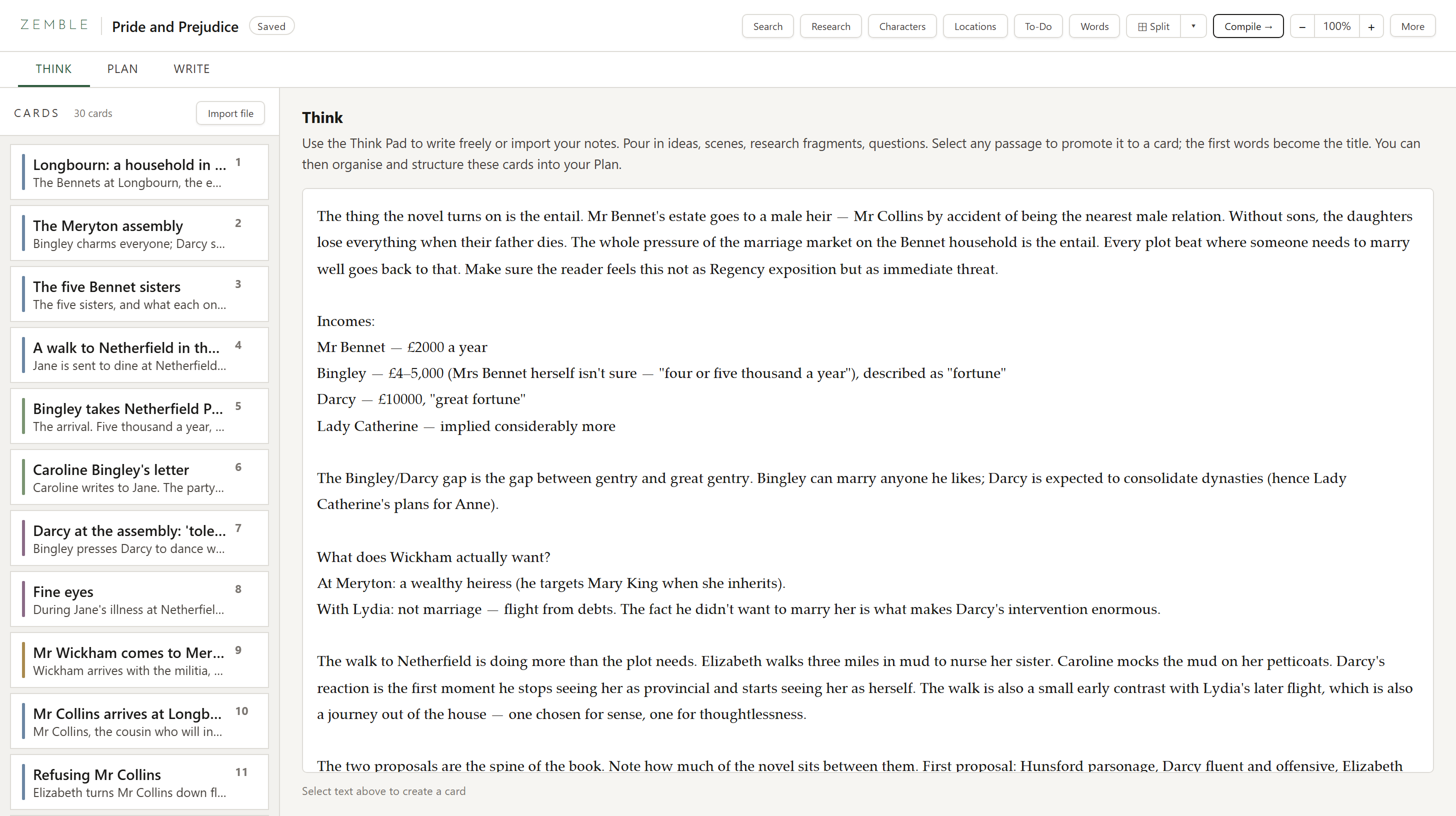
Start brainstorming in the Think pad, or import your existing notes. Jot down ideas about plot, character and setting, or notes for key scenes.
Turn your notes into a plan. Select an idea and make it a card, ready to arrange on the board.
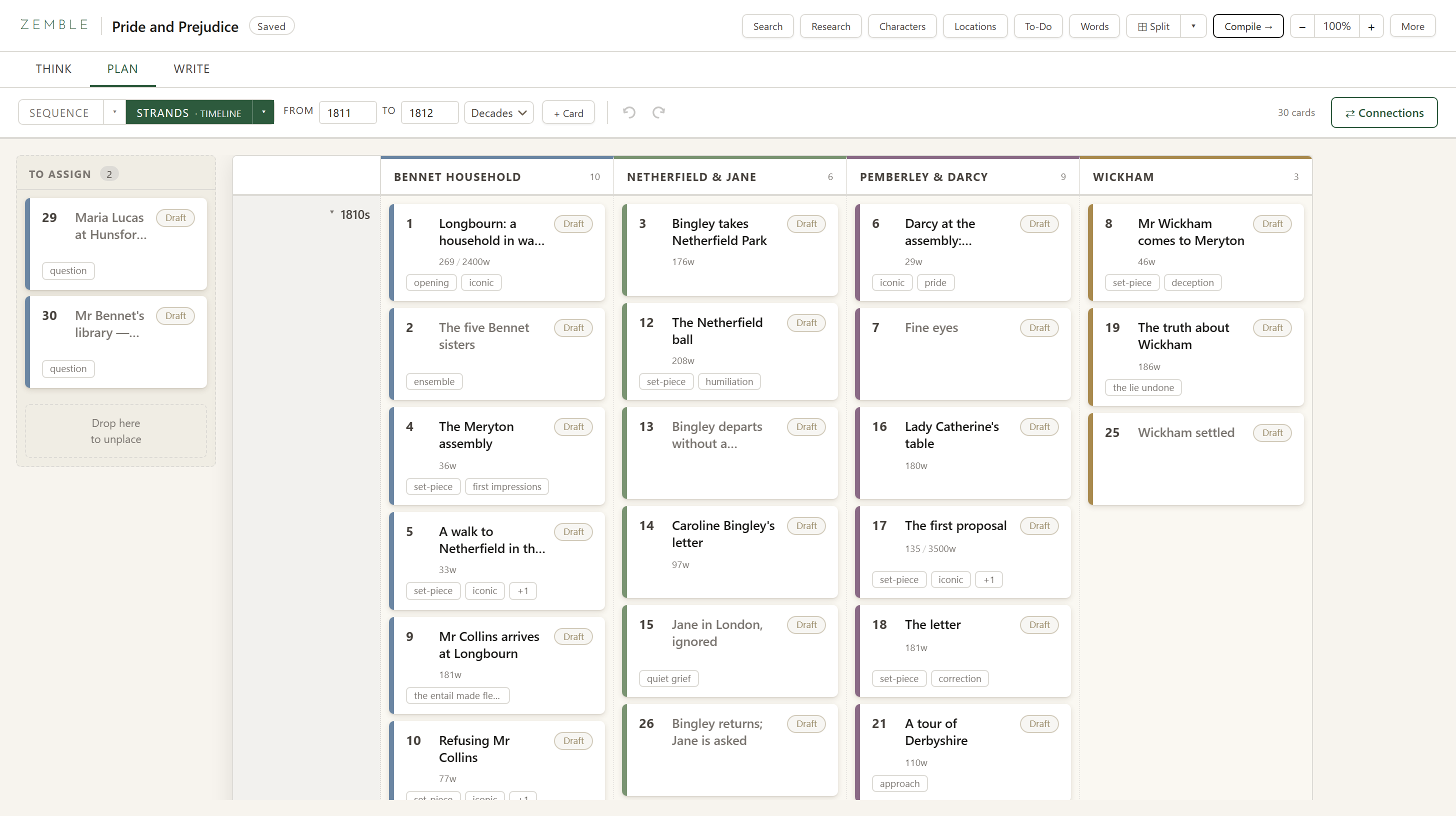
Place your cards on the board to see your structure take shape.
Each card holds your notes, your research, and eventually your writing for that section. Drag and drop to move them around the board, or add new ones.
Toggle between different views to see them in reading Sequence or grouped into Strands according to theme, character or location. Apply the Timeline filter to keep track of dates, or switch to Zones to demarcate chapters or movements.
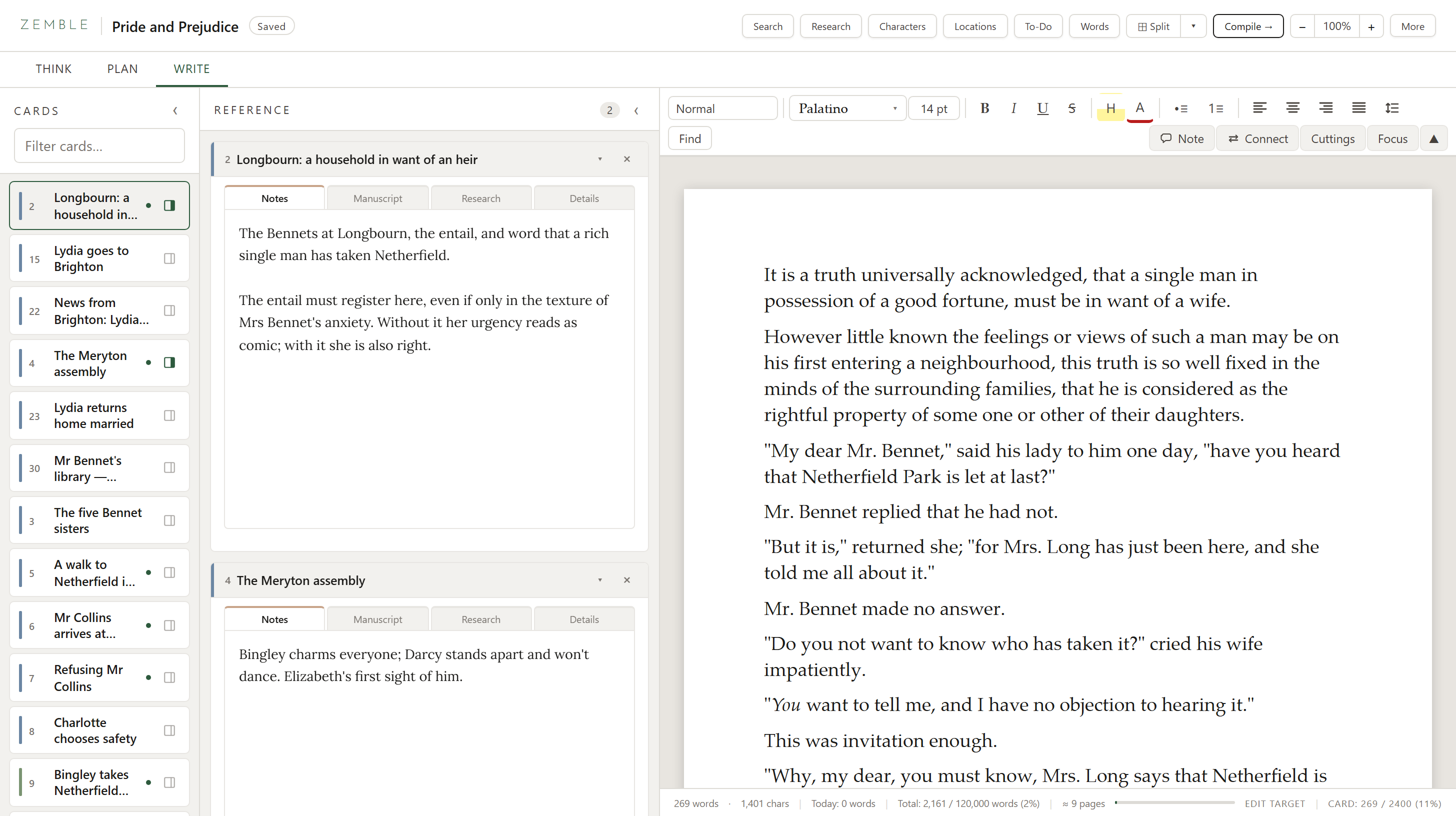
Each card opens its own document.
Click on a card to start writing that section. Break down complex pieces into manageable parts. You can see your notes and research beside the page as you work, or switch into focus mode. When you have completed a piece, Compile puts every card together in your chosen order, to read, edit, or export as Word, PDF or plain text.
Authors, screenwriters, journalists, academics, podcasters, students. Writers of every kind.
Choose a template and adapt it to your own preferences.
- Novels
- Non-fiction books
- Essays
- Scripts
- Podcasts
- Pitches & submissions
A master board for multiple projects.
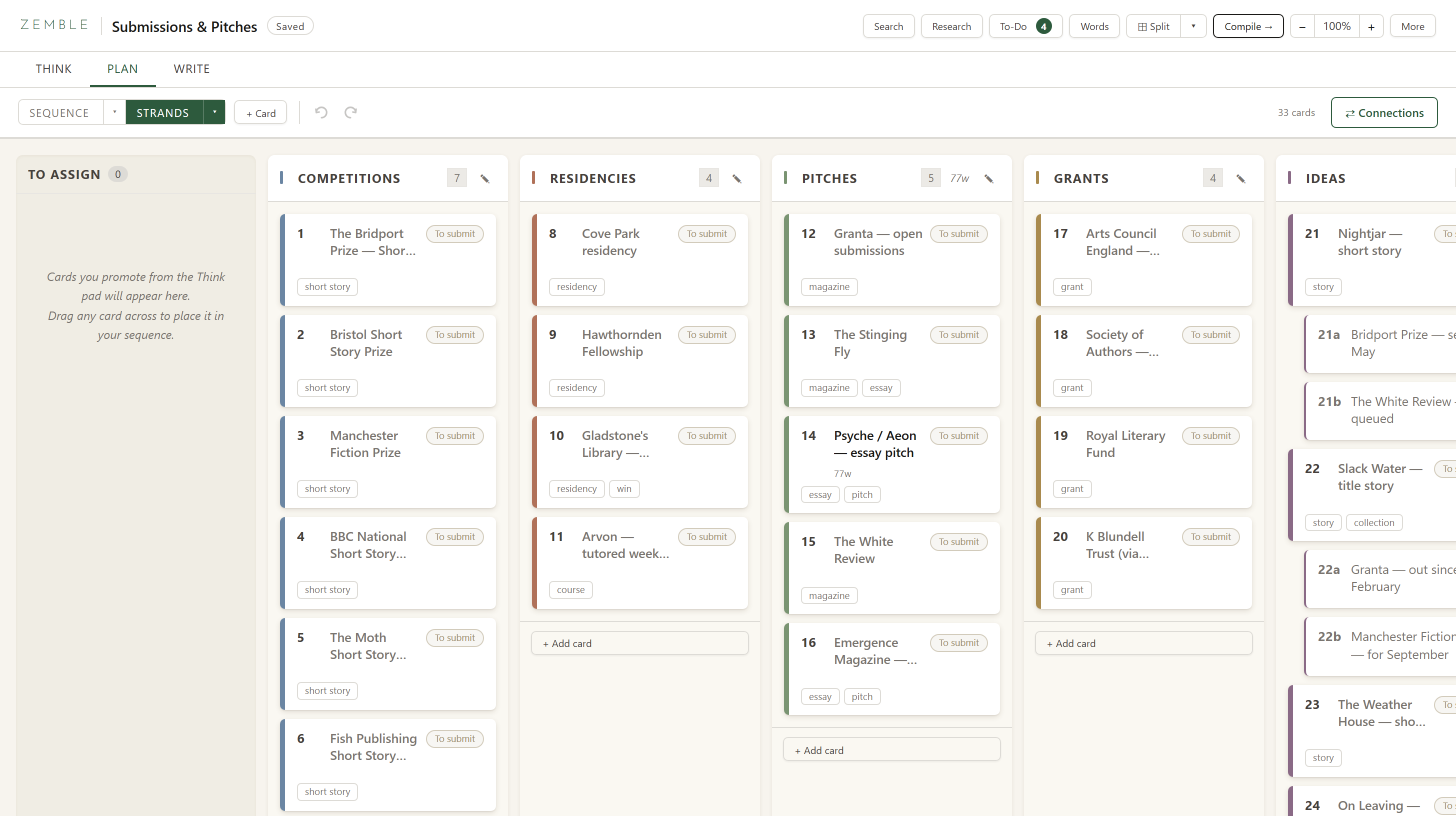
Organise and track freelance work, competitions and residencies.
Ditch the spreadsheet and see at a glance what's been pitched, what's been commissioned, looming deadlines and final submissions.
Columns
Competitions, residencies, pitches, grants, and your own ideas waiting for a home.
Cards
One per opportunity: the rules, the deadline, the piece you sent, the outcome.
Status
To submit, submitted, accepted, declined. Change it with a click.
To-Do
The chasing list floats over the board: cut this, send that, chase the other.
A writer's set of tools.
Drop down or pop out, so they are always close to hand.
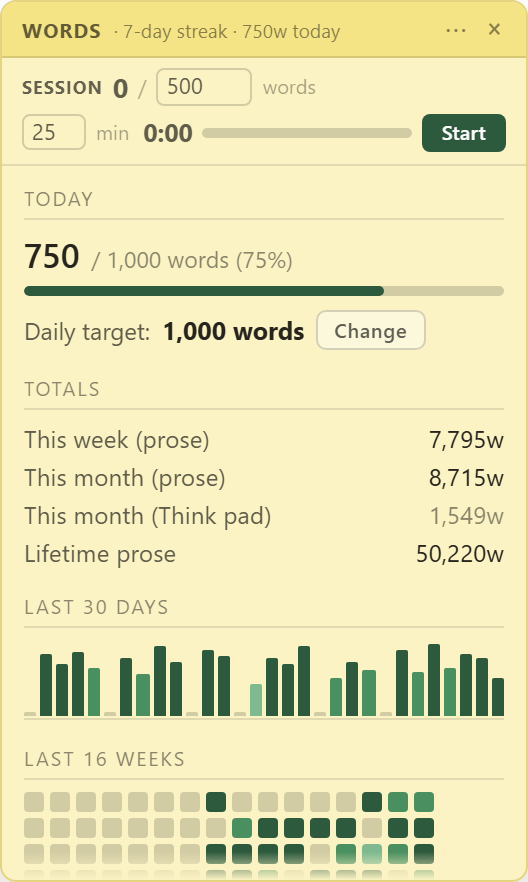
Words
Set a daily word count or work in timed sessions.
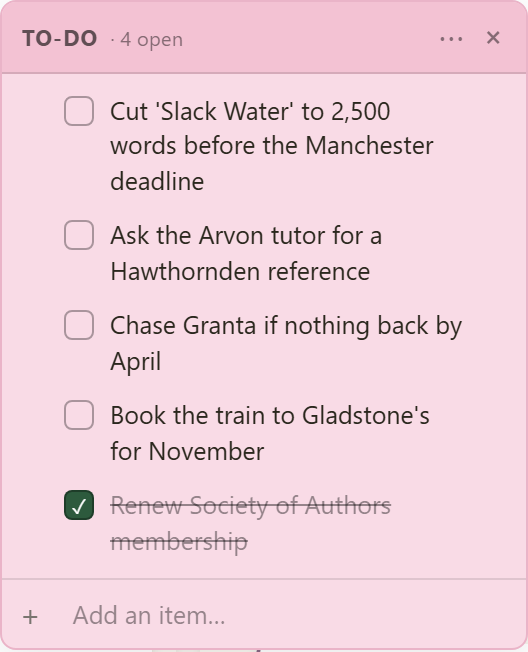
To-Do
Keep track of your running list and strike them off when they're done.
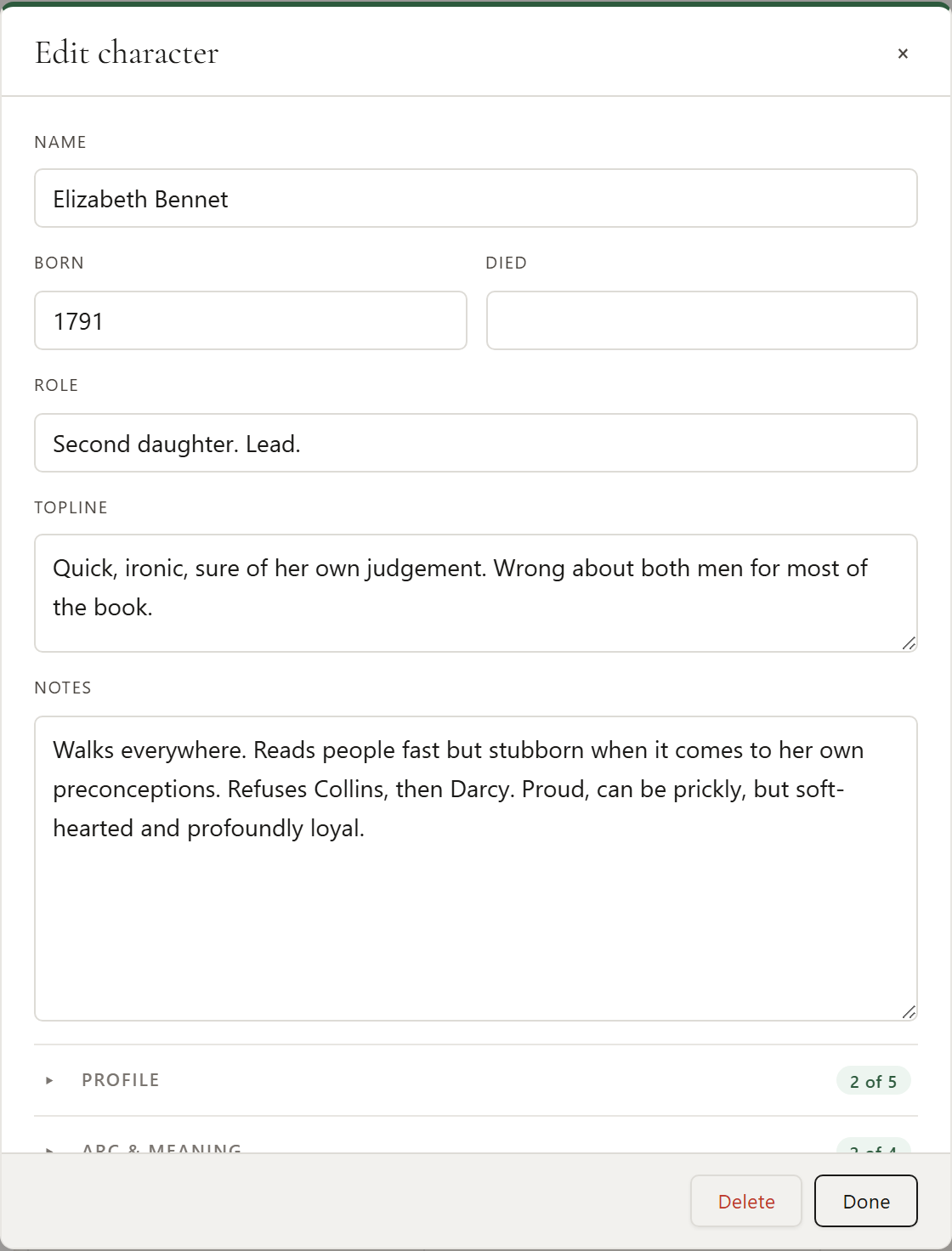
Characters
Build detailed profiles for each of your characters with their topline, profile, role, and all your research notes and links.
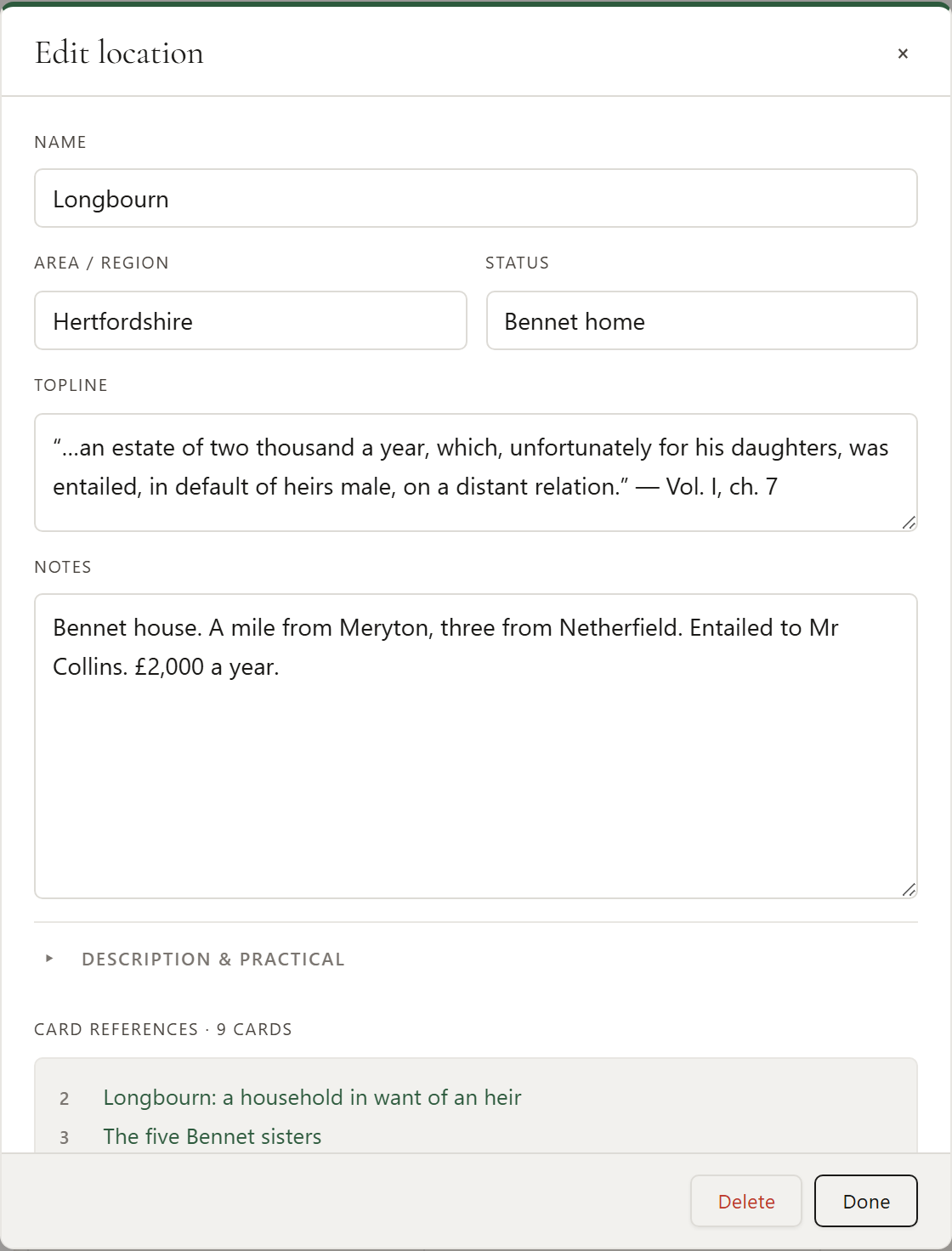
Locations
Keep notes on every location and setting, so the details hold from scene to scene.
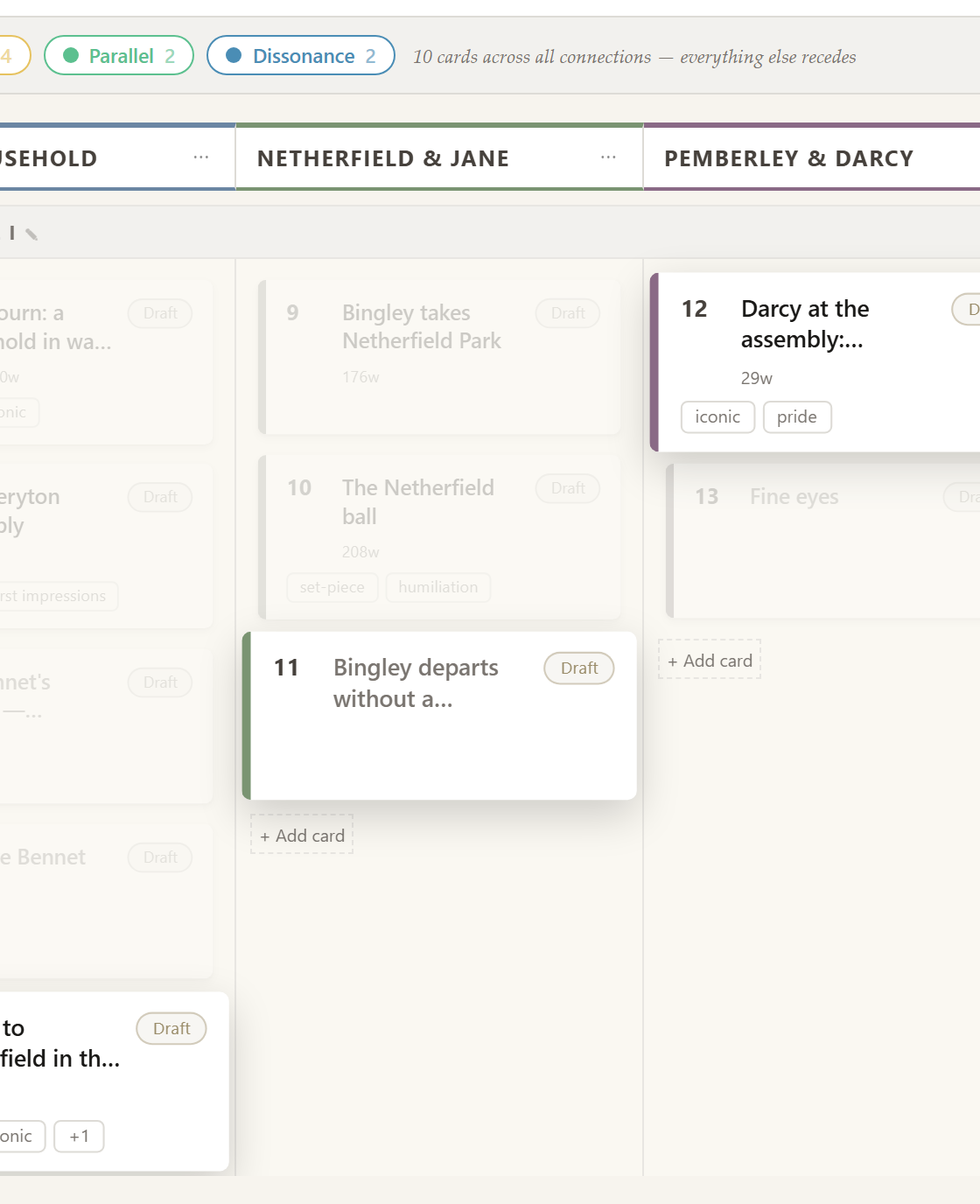
Connections
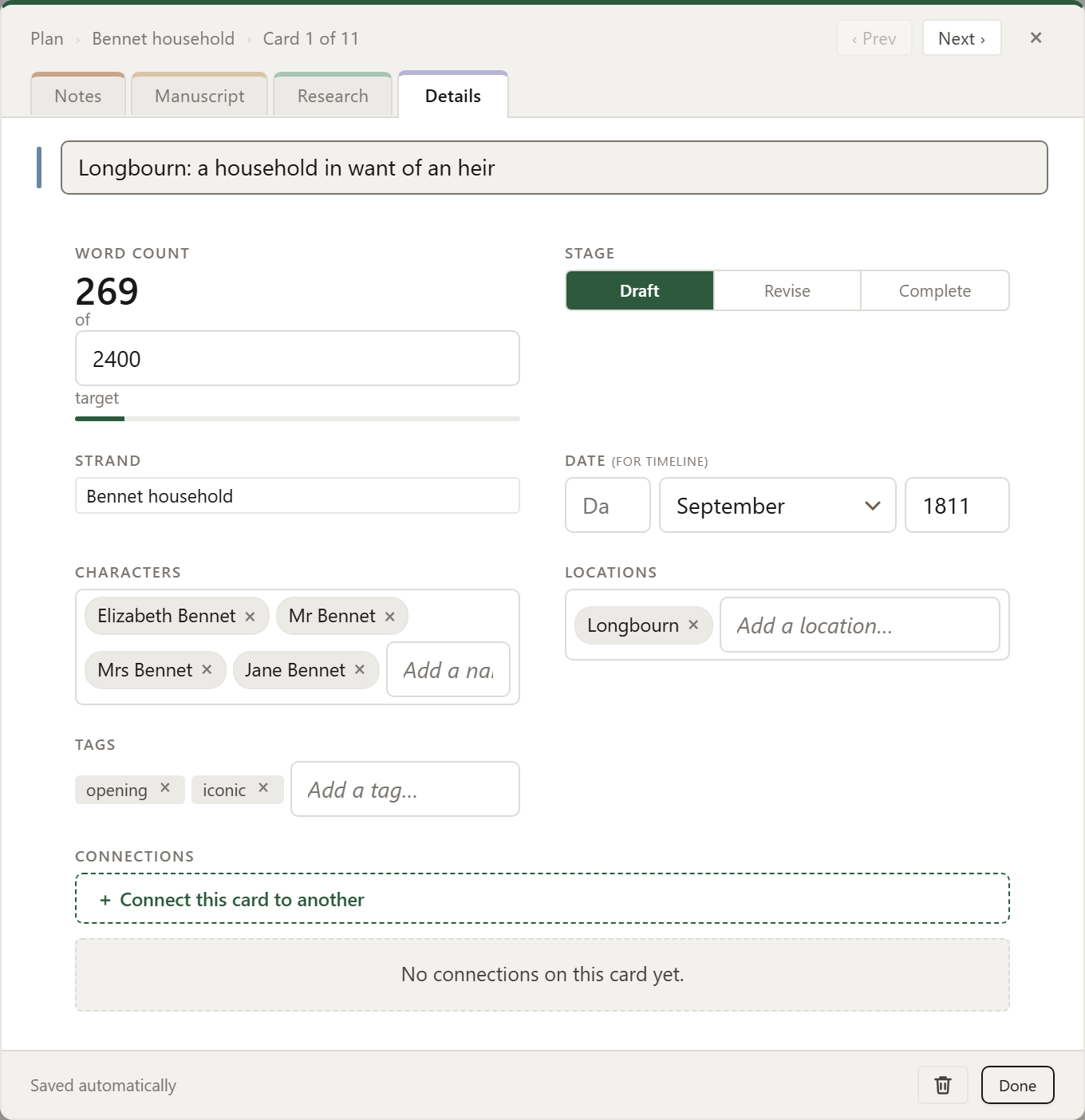
Make note of links between moments, scenes or characters. Plant clues, identify echoes, and remember callbacks.
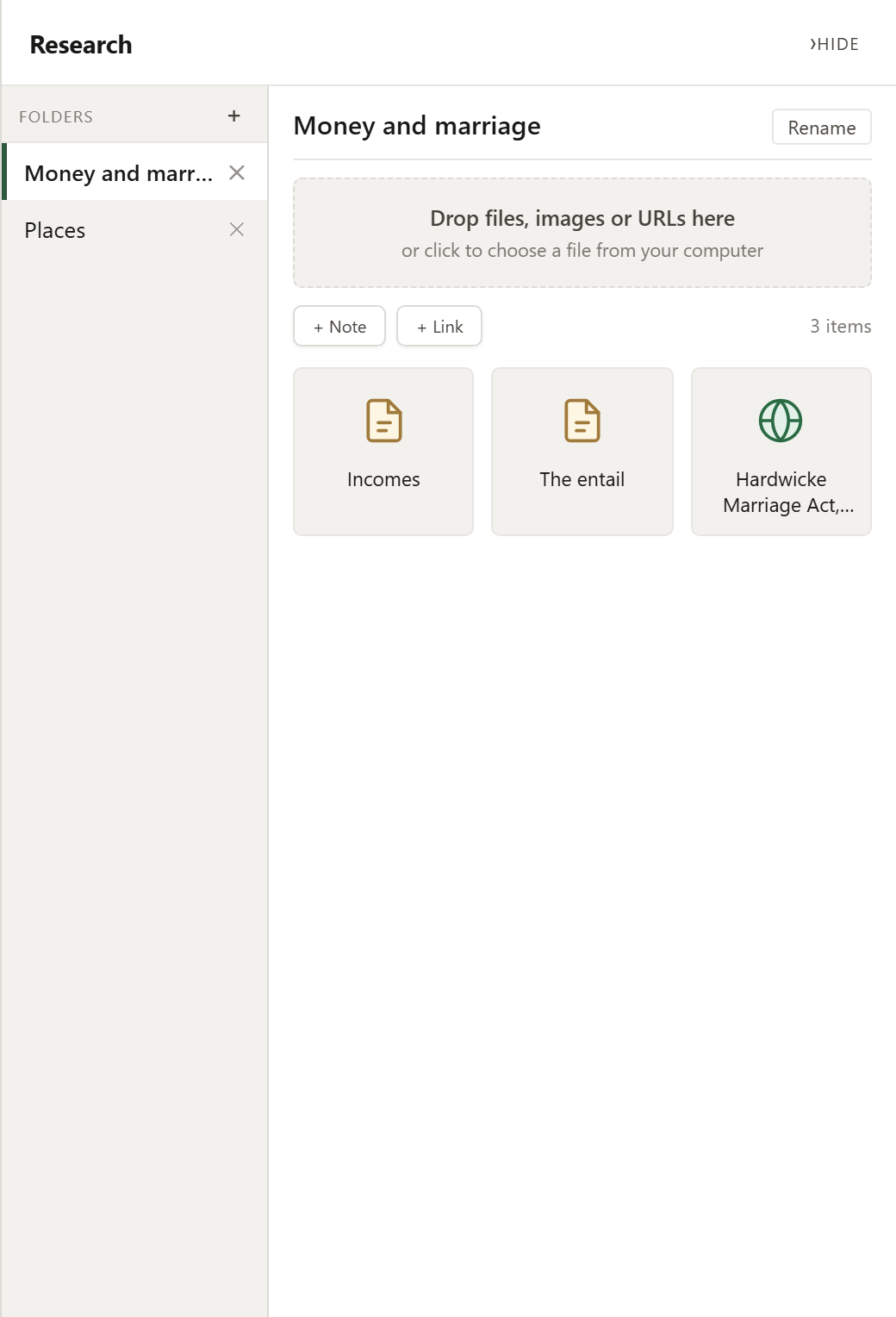
Research
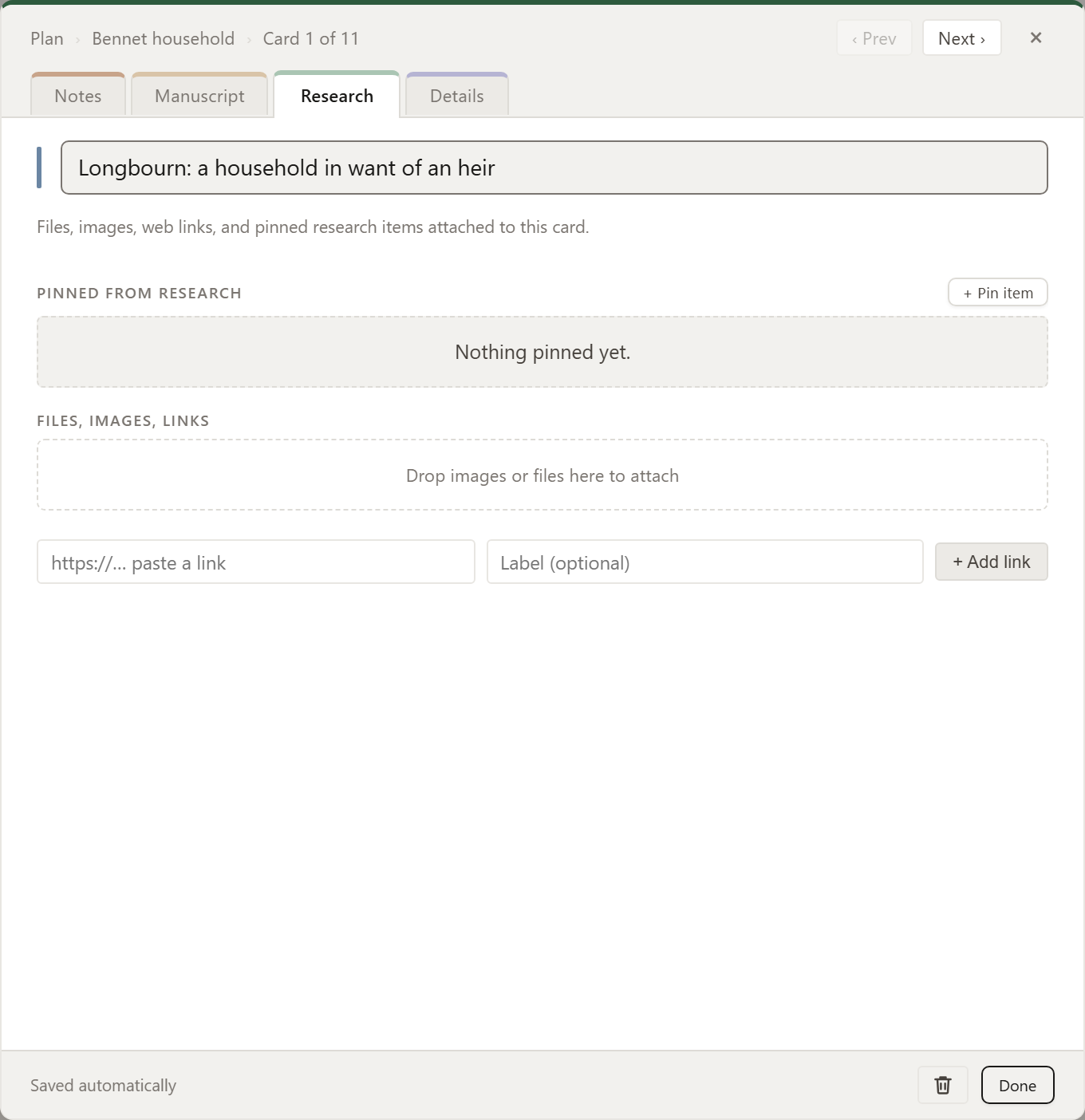
Notes, links and images for the whole project, pinned to each relevant card.
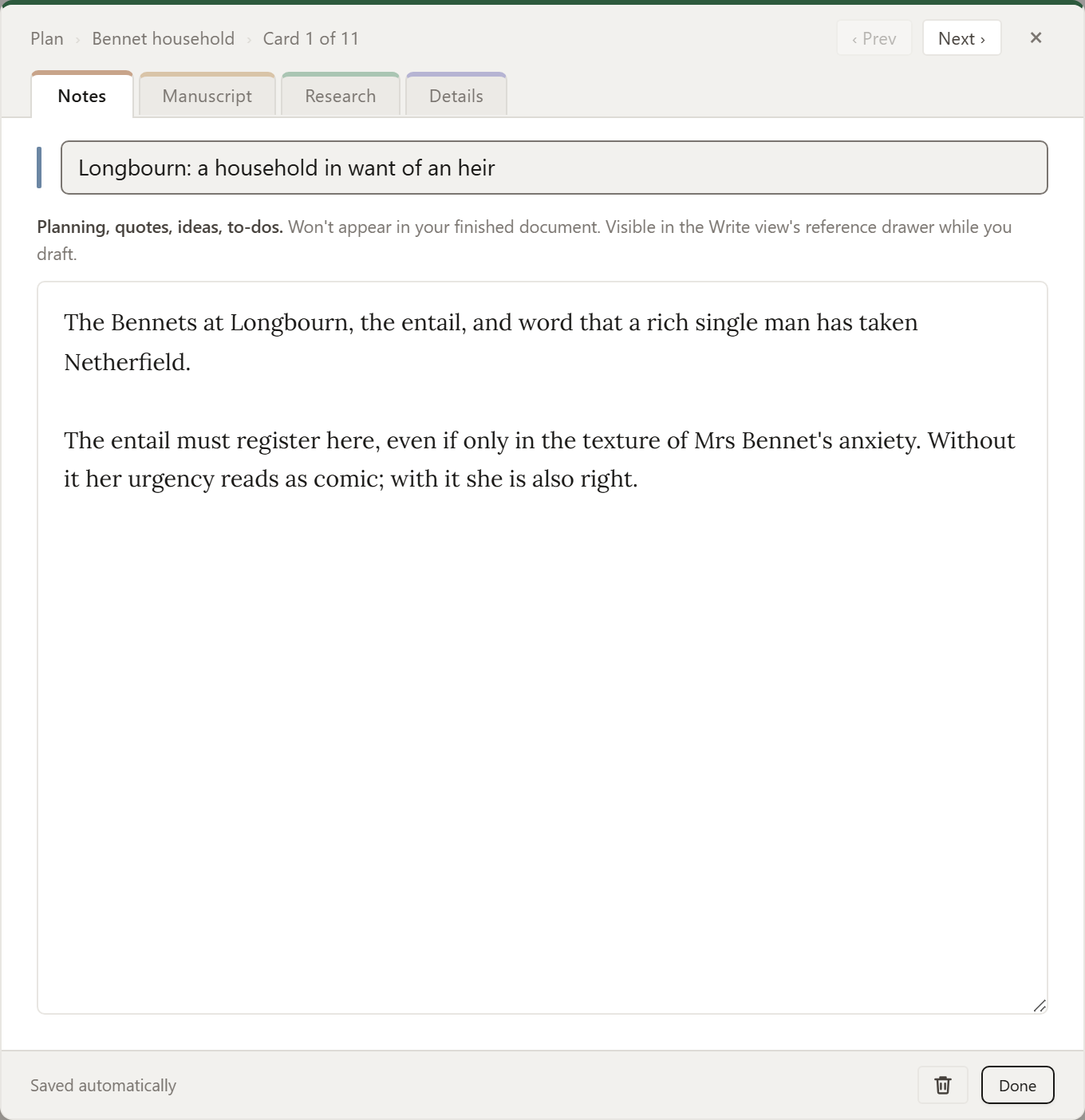
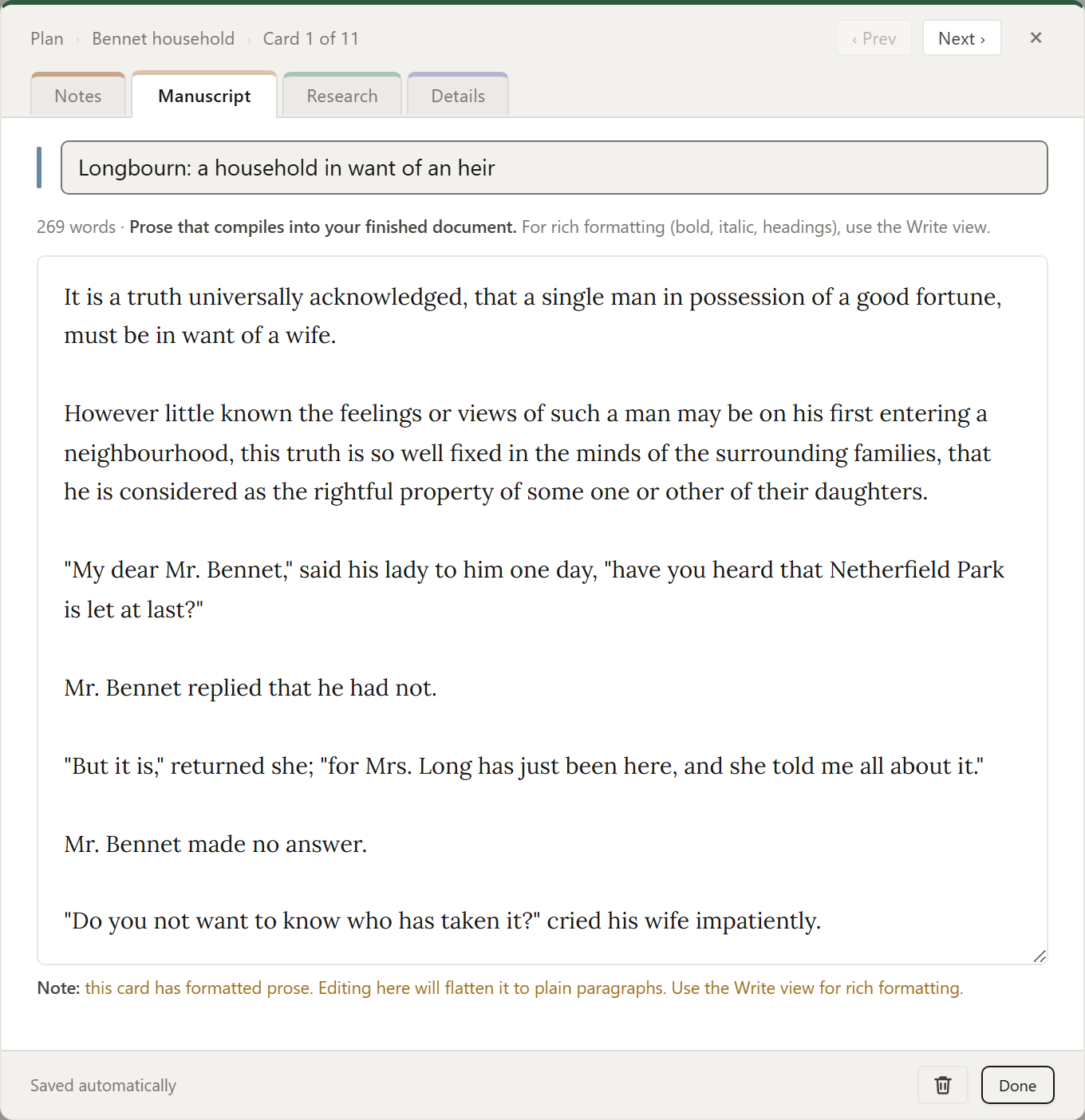
One card, four views.
Each card holds its notes, its manuscript, its research and its details. Click between them.
Monthly
a month. Cancel whenever you like.
Yearly
a year. £5 a month, paid yearly.
Founders
a year for the first 200 to subscribe yearly. The price holds for as long as you stay.
Prices include VAT in the UK and EU. Fourteen days, money back, no questions.
Be the first to know.
Zemble launches in November. Leave your email and we'll tell you the day it opens.